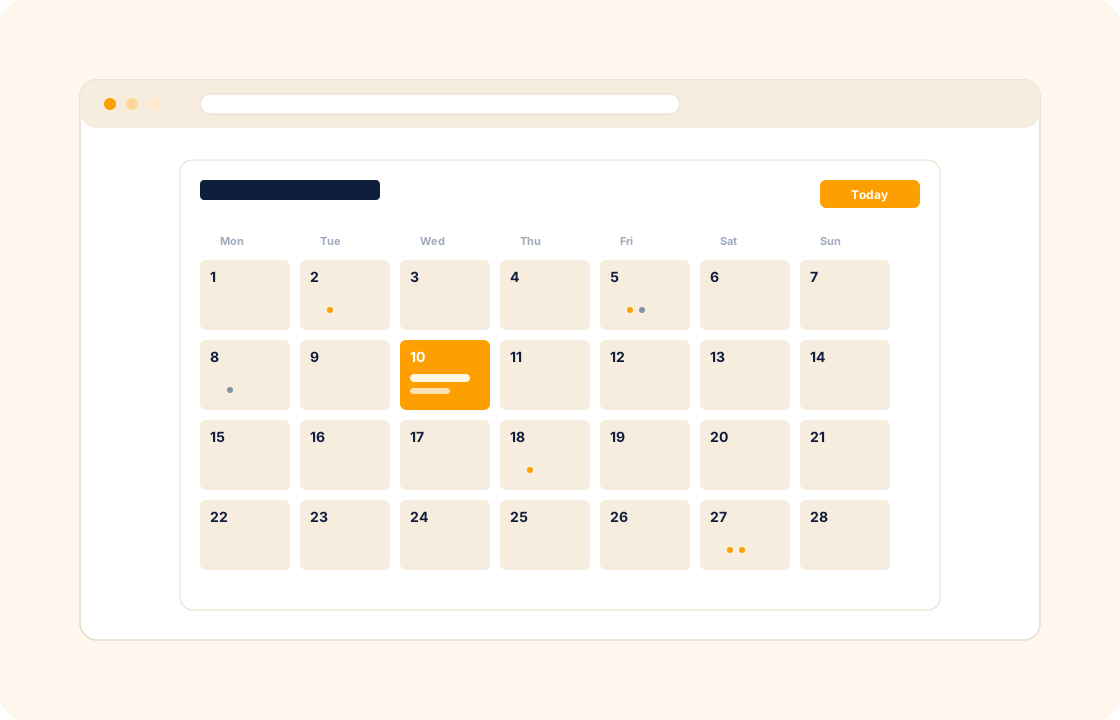
A dedicated booking tool is useful — until you realise the booking is the start of a longer relationship, and the calendar entry needs to know which client it belongs to, which package they paid for, and which contract terms apply. A separate calendar app forces you to retype that context every time.
COLO ships a calendar that lives inside the workspace — bookings link to the client record, session packages link to the invoice they were sold under, and project milestones surface alongside.
TL;DR
COLO's calendar lives inside the workspace rather than in a separate booking app: appointments carry the client, duration and session type, project milestones and task deadlines surface alongside meetings, and invitations go out with the meeting link and agenda. Availability windows block double-bookings, reminders fire automatically, and the calendar syncs with Google and Microsoft.
What you can do
- Create appointments directly in the calendar with the client, the duration, the type of session pre-filled from a template.
- Manage your schedule across availability windows — block focus time, set client-facing slots, and stop double-bookings before they happen.
- Surface project milestones and task deadlines alongside meetings — your week is one view, not three.
- Send calendar invitations to clients with the meeting link, the agenda, and the next step pre-filled.
- Set automatic reminders for sessions, deadlines, and renewals — so you never miss the day a retainer is up.
- Sync with Google and Microsoft so your COLO calendar and your existing calendar agree on what is happening when.
For coaches
You run six-session packages with weekly cadence. A new client books the package, pays the invoice, and the six sessions auto-schedule on the agreed weekly slot. Reminders go to the client a day before each session; reschedules update both sides of the calendar. The package is "delivered" when the sixth session closes — and the renewal prompt fires automatically.
For therapists
A booking is more than a date — it is a session belonging to a client whose history, notes, and prior invoices live on their record. The calendar entry opens onto the client profile in one click, so prep time is short and informed. Recurring weekly sessions schedule across the rest of the engagement; cancellations and reschedules flow through the same booking record without orphaning the billing line.
For event planners
You coordinate vendors, venue visits, and client check-ins across multiple events running in parallel. Each event lives as a project; calendar entries against the project show vendor meetings, deposit milestones, and the run-of-show timeline. The week's view picks up which events need attention now, not just what is on the diary today.
How it connects with the rest of COLO
The calendar is the time-axis of the workspace. Bookings link to a client record, so every appointment is in client context. Project milestones from project management appear on the same calendar, so deadlines and meetings live in one view. Tasks from task management with due dates show up as gentle deadlines on the calendar, helping you decide what to ship today. And when a booking is part of a paid package, invoicing and payments is already aware of how many sessions remain — so the next renewal invoice fires when the package is delivered.
A day with the calendar
Monday morning, the week's calendar opens — twenty client sessions across five time zones, two milestone deadlines on a web-build, a discovery call Wednesday afternoon, a vendor meeting Friday for an event project. Each entry carries the client it belongs to; one click opens the client record with the prior session notes, the contract terms, and the upcoming invoice. Prep time is short and informed.
Through the week, bookings happen against the calendar from the client side. A new coaching client books a discovery call from their portal Tuesday afternoon; the booking lands as a client record, the call link sends automatically, the reminder fires the day before. A wedding couple reschedules a Wednesday call from their portal to Friday morning; the calendar updates once and both sides see the new time. The Monday-morning "let me check my availability" round-trip stops happening because the calendar answers the question for the client.
By Friday afternoon, the deadlines on the calendar for next week are already visible. Two project milestones, three client sessions, one vendor confirmation. The mental load of "what's coming up?" drops because the calendar shows it without you assembling the picture from three separate tools. Your existing Google or Microsoft calendar syncs both ways — the workspace and your personal calendar agree on what is happening when.
What it replaces in your stack
For most freelancers and small studios, scheduling means a standalone booking tool, a separate calendar that doesn't know about client context, a reminder-sending tool, and a spreadsheet for package balances. Each one is a monthly subscription; none of them know which booking belongs to which paid package. COLO Calendar replaces the booking layer and ties it to the rest of the workspace.
| If you currently use… | You can replace it with |
|---|---|
| Calendly | COLO Calendar |
| Acuity Scheduling | COLO Calendar |
| SavvyCal | COLO Calendar |
The replacement is one for many — the booking tool merges with the client record, the package balance, and the invoicing schedule. The booking is no longer a standalone event but a session that knows which client it belongs to and which contract it sits under.
Pricing
Included on every plan — see our pricing for plan details.
FAQ
Q: Can I sync with Google or Microsoft Calendar?
Yes. Two-way sync keeps your COLO calendar and your existing calendar in agreement — bookings made in COLO appear in Google/Microsoft, and the other way round.
Q: Can clients book a slot themselves?
Yes. Share a booking link or embed booking on your site; clients pick from the slots you have made available, the booking lands against their client record, and your calendar updates.
Q: How does this compare with a standalone scheduler like Calendly?
A standalone scheduler does the booking handover well but stops there. The COLO calendar carries the booking into the client record, the invoice, and the project — so the rest of the relationship is already wired up when the meeting ends.
Q: Can I set buffer time between sessions?
Yes. Configure buffer time per session type — for example, fifteen minutes between coaching calls — so you do not end up back-to-back without a break.
Q: Does the calendar handle time zones?
Yes. Each client's bookings render in their local time zone on their side and your time zone on yours. Travel does not break the schedule.
Q: Can I block focus time on the calendar so clients cannot book during it?
Yes. Block availability windows for focus work, internal meetings, or personal time; the booking link only offers slots inside your client-facing windows. No double-booking, no Sunday morning slots offered by accident.
Q: Can I set different availability windows for different session types?
Yes. Discovery calls might be Tuesday and Wednesday afternoons; 1:1 sessions might be Monday through Thursday mornings; cohort calls might be a fixed Wednesday evening. Each session type has its own availability schedule.
Q: Can I embed the booking link on my website?
Yes. The booking link works as a hosted URL or as an embedded widget on your own site; clients pick a slot from your availability windows without leaving your website.
Q: How do I handle cancellation fees that vary by booking type?
Set the cancellation policy per booking type — no fee inside 24 hours' notice, full fee for same-day cancellations on premium types. The portal shows the policy when the client books; the fee invoices automatically when applicable.
Q: Can I run round-robin booking across a small team of associates?
Yes. For practices with multiple associates, the booking link can route to whichever associate has availability. Each booking lands against the associate the client was matched with.
Related
Pair calendar with client management, task management, and invoicing and payments. Coming from a standalone scheduler? See the factual comparison at the Calendly comparison.