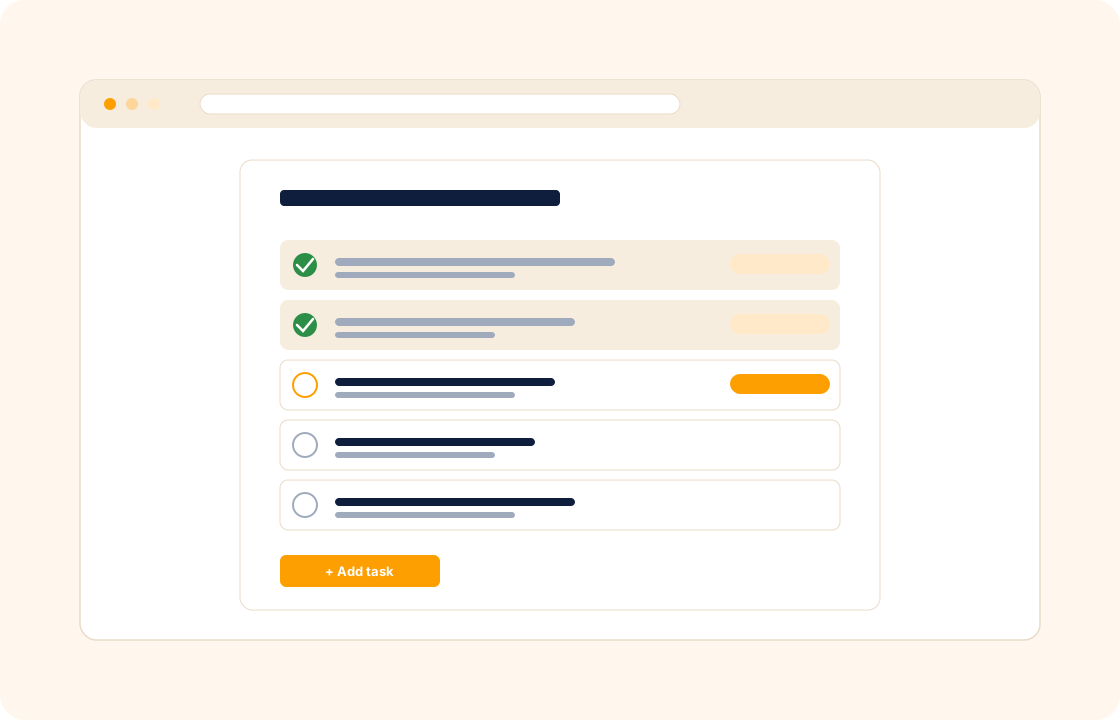
Generic task apps treat every task the same. A to-do is a to-do is a to-do. But a freelancer's day is shaped by which task belongs to which client, which client is paying for which project, and which deadline is contractual versus which one is "this would be nice to ship by Friday".
COLO ships task management with client context baked in. Every task ties back to the client and the project it lives in, so the day's work is already triaged by who is paying for what.
TL;DR
COLO's task management carries client context on every task: tasks sit against a client, a project or a standalone backlog, with documents and reference material attached and comments from clients or teammates kept on the task. Deadlines, priorities and dependencies make the order explicit, a single today view spans every client, and completed tasks roll into project progress.
What you can do
- Create tasks against a client, a project, or a standalone backlog — the right hierarchy for the work shape you do.
- Attach documents, files, and reference material to the task — the brief lives next to the work, not three tabs away.
- Receive comments and feedback on task performance — review notes from the client or a teammate stay attached to the task.
- Set deadlines, priorities, and dependencies so the order things happen in is explicit, not improvised.
- See "today" across every client — a single view of what is due, prioritised the way you decide.
- Roll tasks into project progress so milestone completion reflects the underlying work, not a manual status update.
For copywriters
A long-form article moves through four phases — research, outline, draft, revisions. Each phase is a task with the reference brief attached. The client comments on the outline before you start drafting, so the draft is already aligned. Revision rounds are tracked separately, so the contracted "two revision rounds" is visible — and the third round is visibly extra scope.
For virtual assistants
Across four founders you handle inbox triage, calendar wrangling, vendor follow-up, and the occasional ad-hoc research piece. Each task lives against the client it is for, with the file or email screenshot attached. Your "today" view stacks them by priority — not by client, not by inbox order — so you spend the day executing, not deciding what to do next.
For web designers
A site project breaks down into design tasks, build tasks, and content tasks — each with its own owner, deadline, and dependencies. The build task depends on design sign-off; content depends on the build going live in staging. The task graph keeps the project honest about what is actually blocked and what is moving.
How it connects with the rest of COLO
Tasks are the unit of work the rest of COLO composes around. Tasks roll up into projects — a project's progress is its underlying tasks. Tasks attach to the client record so context is one click away. Chat threads on a task feed into chat and messages, so feedback never drifts away from the work it is about. And task deadlines surface on calendar, so the week ahead is visible at a glance — not just a list of dates, but a real picture of when client work needs to ship.
A day with task management
Monday morning, the "today" view shows fifteen tasks across the active book — three on the brand-identity refinement, two on the web-build's QA cycle, six on the content retainer for the month, the rest scattered across smaller engagements. Each task carries the client it belongs to, the project, the priority, and the deadline. The day's work is already triaged: highest-priority client deadlines first, lower-priority backlog work in the gaps.
Through the day, work logs against the tasks, not against your inbox. A revision request from a client on Wednesday becomes a sub-task under the round-two milestone, with the screenshot the client sent attached inline. The senior copywriter logs two hours on the long-form article; the time entry rolls into the project budget. The "ad-hoc" work that used to disappear into your inbox becomes visible — and chargeable, if the contract names overage terms.
By Friday afternoon, the project board reflects what actually happened across the week. The "today" view tomorrow is already triaged by the deadlines you set; the calendar shows the deadlines that need attention next week. The mental load of "what do I need to do today" drops because the workspace decided last Friday what this Monday looks like.
What it replaces in your stack
Most freelance stacks today carry a task tool, a separate notes tool for ad-hoc work, a calendar for deadlines, and a chat tool for client comms about specific tasks. The four don't speak to each other; the same revision request lives in two of them; nothing has the whole picture. COLO Task Management replaces the task layer and ties it to the rest of the workspace.
| If you currently use… | You can replace it with |
|---|---|
| Trello | COLO Task Management |
| Todoist | COLO Task Management |
| Asana per-task workflow | COLO Task Management |
The replacement is one for many — the task tool, the notes tool, and the per-task chat thread become one record. The deadline, the brief, the file, and the conversation live on the task; the project rolls up the tasks; the client record surfaces what is in flight per relationship.
Pricing
Included on every plan — see our pricing for plan details.
FAQ
Q: Can I use task management without setting up a full project?
Yes. Tasks live against a client or a standalone backlog as well as inside a project — useful for ad-hoc work, retainers without a defined project structure, and personal tasks.
Q: Can clients see the task list?
Clients see what you choose to share through the portal — typically milestones and approvals, not internal tasks. You stay in control of what is client-visible.
Q: Can I track time against a task?
Yes. Log time entries on a task, roll them up to the project, and feed the totals into the next invoice — no separate time-tracking tool required.
Q: Can I set dependencies between tasks?
Yes. Mark task B as dependent on task A and the dependency surfaces on the project board and the calendar — useful when one piece of work has to ship before the next can begin.
Q: Can I assign tasks to a teammate or a contractor?
Yes. Tasks can be assigned to any teammate inside the workspace; comments and updates surface in their notification stream. Useful for studios with rotating freelance support.
Q: Can I run a recurring task — same work, same client, every week?
Yes. Set a task to recur on a weekly, monthly, or custom cadence; each instance opens on the right date with the right brief attached, so retainer work stops being a memory exercise.
Q: How do I prioritise tasks across multiple clients without losing client context?
The "today" view surfaces tasks across all clients by priority and deadline; filters let you slice by client when needed. Useful when working on five retainers at once and the day's work spans all of them.
Q: Can I add a checklist of sub-tasks under one task?
Yes. Each task supports sub-tasks for the underlying steps; useful for tasks that need a checklist before they are considered done (for example, a launch checklist or a QA cycle).
Q: Can I export tasks to CSV for a separate reporting tool?
Yes. Tasks export with client, project, priority, deadline, status, and time-logged columns. Useful for one-off analysis or hand-off to an external project review.
Q: Can I mute notifications for low-priority tasks?
Yes. Notification preferences are configurable per task, per project, and globally — so the urgent stuff is visible without the low-priority backlog drowning you in pings.
Related
Pair task management with project management, chat and messages, and calendar. Coming from a generic task tool? See the factual comparison at the Trello comparison.