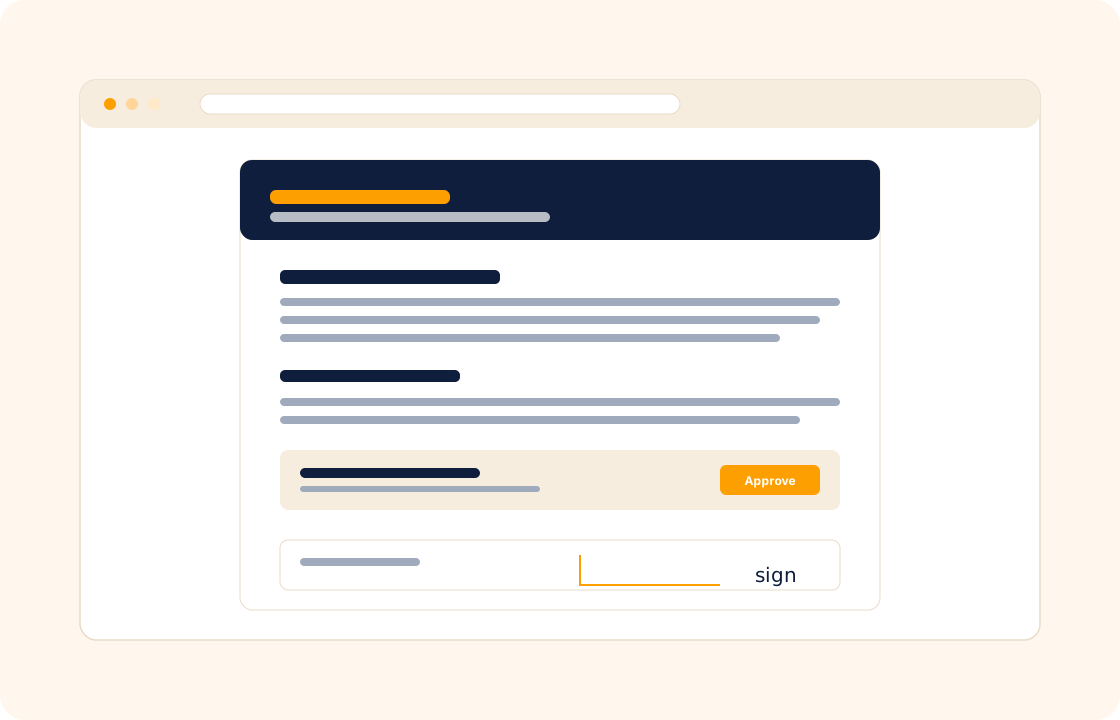
A proposal is the difference between a curious enquiry and a paid project. The old way — Word document, export to PDF, email attachment, wait three days, follow up twice, hope the client signs — loses bookings to whoever responded fastest. The longer the proposal sits in a client's inbox, the colder the lead gets.
COLO ships online proposals that the client can open on their phone, comment on, accept, and pay a deposit against — all in one branded flow. Send the proposal Friday night, wake up Saturday to a signed contract and a paid deposit.
TL;DR
COLO's proposals are online documents a client can open on their phone, comment on line by line, accept and pay a deposit against in one branded flow. Build them from reusable templates, present packages and add-ons, capture the e-signature in the same flow, trigger the deposit invoice on acceptance, and see when a proposal is opened and re-read.
What you can do
- Build branded proposals from reusable templates — your colours, your logo, your tone, no formatting tax every time you quote.
- Present packages, deliverables, and add-ons so the client picks the version that fits their budget without a follow-up email.
- Let clients comment inline on specific lines — "can you add print rights?" lives next to the line it is about, not buried in a thread.
- Capture the e-signature in the same flow — no DocuSign tab, no PDF round-trip, no third app.
- Trigger the deposit invoice on acceptance so signing the proposal and paying the deposit are the same action for the client.
- Track when a proposal is opened, read, and re-read so you know when to follow up — and when to leave the client alone.
For photographers
A bride emails on a Friday night asking about wedding packages. You send a branded proposal with three coverage tiers and the deposit invoice attached. By Sunday morning, she has picked the mid tier, signed the contract, and paid the deposit. The Saturday date is locked before any competitor had a chance to reply.
For consultants
A prospect agrees to scope a six-week strategy engagement after a discovery call. You convert the call notes into a proposal that lays out the workshops, the deliverables, and the milestone schedule — with a fixed-fee total and a payment schedule. The client signs, the contract auto-generates, and the kickoff workshop is on the calendar within a week.
For marketing agencies
You quote a new retainer that includes monthly content, paid social, and quarterly campaigns. The proposal presents the package as a single flow — scope, deliverables, monthly fee, and an optional add-on for SEO. The client picks the base package, signs, and the recurring invoice schedule fires automatically each month thereafter.
How it connects with the rest of COLO
Proposals sit at the front of the COLO workflow. Every proposal links to a client record, so context is preserved from the first enquiry. On acceptance, the proposal converts into a contract with the agreed scope and terms baked in — no re-typing. The accepted scope rolls into project management as milestones and tasks. And the deposit and balance schedule wires straight into invoicing and payments, so signing the proposal also schedules every invoice the project will need. One acceptance, four documents created — no copy-paste.
A day with proposals
Monday morning, the enquiry lands. A new prospect found the website over the weekend, filled the contact form, and described a small scope of work. By 10am the lead is a client record; by 11am you have built a branded proposal from your most-used template — three package tiers, the scope and deliverables on each, the deposit invoice attached, the contract pre-baked into the acceptance flow. The proposal goes out before lunch on Monday.
By Tuesday noon the prospect has opened the proposal twice — the open-and-read tracking shows it on the proposal record. By Tuesday afternoon the inline comment from the prospect asks one clarifying question about timeline. You answer the comment and resend the same version with the timeline tightened by a week; the version history records the change. The proposal is signed Wednesday morning, the 50% deposit clears Wednesday afternoon, and the contract has been generated automatically with the scope and the payment schedule baked in.
By Wednesday afternoon the project workspace has opened with the milestones from the proposal already loaded as tasks, and the second invoice in the agreed schedule is sitting on the calendar for the day the next milestone is due. The proposal, the contract, the project, and the invoice are four artefacts that came from one acceptance — without copy-paste, without retyping a date or a price, without four separate logins.
What it replaces in your stack
A proposal tool, a contract tool, and an e-signature tool are three separate subscriptions in most freelance stacks today. Each one charges a per-document or per-month fee, each one stores your data on its own server, and each one requires you to keep three brand templates in sync. COLO Proposals replaces all three — proposal authoring, e-signature, and contract conversion in one flow on one record.
| If you currently use… | You can replace it with |
|---|---|
| Proposify or Better Proposals | COLO Proposals |
| HoneyBook proposal module | COLO Proposals |
| DocuSign for the signature | COLO Proposals |
The replacement is one for many — the three subscriptions become one, the data lives in one workspace, and the conversion from "client opened the proposal" to "deposit cleared and project started" is one flow.
Pricing
Included on every plan — see our pricing for plan details.
FAQ
Q: Can I send the same proposal to multiple clients with small changes?
Yes. Reusable templates are the default — duplicate the template, change the name and the deliverables, and send. Your most-used templates live one click away.
Q: Does the e-signature hold up legally?
E-signatures in COLO are timestamped, audit-logged, and stored against the contract record. They meet the same standard as e-signature platforms used by law firms and HR teams.
Q: Can the client suggest changes before signing?
Yes — clients comment inline on specific lines. You receive a notification, make the edit, and resend the updated proposal. The version history is preserved on the record.
Q: Can I include a deposit invoice with the proposal?
Yes. Attach a deposit invoice with a percentage or fixed amount; on acceptance the invoice is issued automatically and the client can pay it in the same flow.
Q: What if the client never opens the proposal?
You see open and read events on the proposal record. If a proposal sits unopened for a few days, COLO can prompt a polite reminder — or you can hold off and follow up your own way.
Q: Can I send a proposal in a language other than English?
Yes. Templates can be authored in any language; the proposal renders for the client in whatever language the template is in. RTL languages (Arabic, Hebrew) are supported out of the box.
Q: Can I expire a proposal after a set number of days?
Yes. Set an expiry date on the proposal — for example, "valid for 14 days" — and the proposal becomes non-acceptable after that date unless you re-issue it. Useful when pricing changes regularly.
Q: Can the proposal show prices in the client's currency?
Yes. Each client record holds the invoicing currency; the proposal pricing renders in that currency; the deposit invoice issues in the same currency on acceptance.
Q: Can I attach a PDF (case study, sample contract, portfolio) to the proposal?
Yes. Attach reference documents to the proposal — case studies, sample work, terms-and-conditions PDF — that the client can download from the same screen they sign on.
Q: How do I version-control a proposal that the client wants negotiated?
Every edit creates a new version; the version history is visible on the proposal record. The client always sees the latest version; you can scroll back to compare what changed and when.
Related
Pair proposals with contracts, invoicing and payments, and client portal. Comparing with a proposal-first competitor? See the factual comparison at the HoneyBook comparison.