The single biggest source of lost client decisions is a buried email thread. A round of feedback gets sent on a Tuesday, you act on it Wednesday, and on Friday the client asks why you did exactly what they asked for — because the request is now three replies deep in a thread none of you can find.
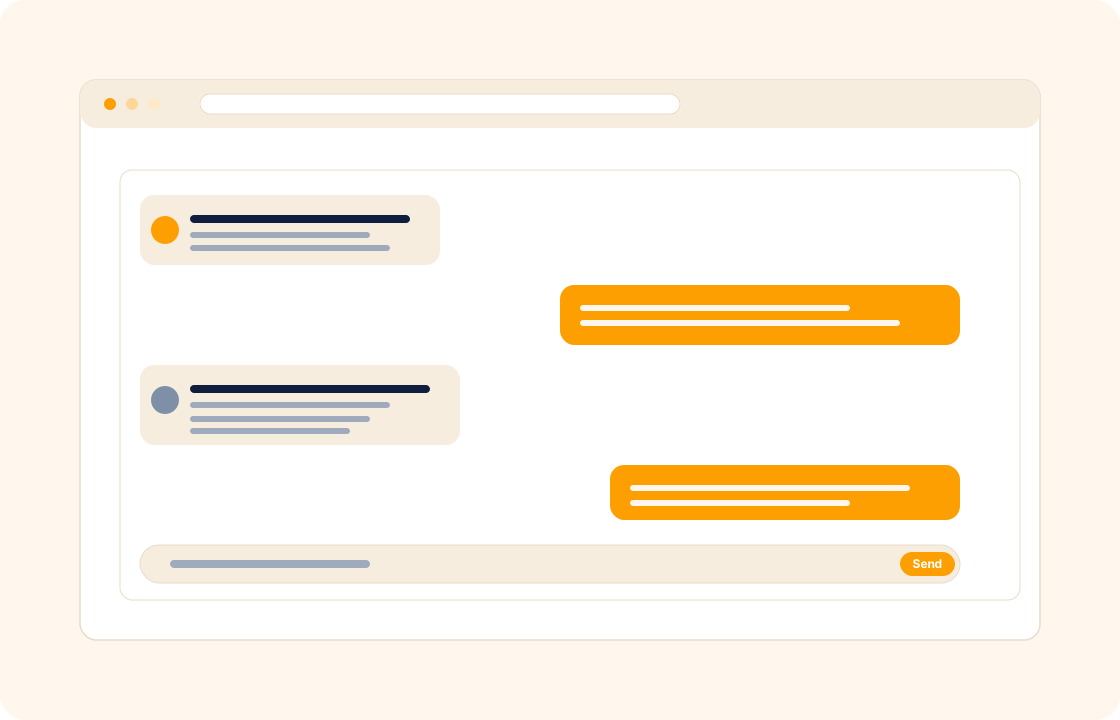
COLO ships client chat that lives next to the work itself. Conversations attach to the project, the proposal, or the file they are about, so context never gets lost in a separate inbox.
TL;DR
COLO's client chat lives next to the work: conversations attach to the project, proposal or file they are about, files and screenshots drop in inline, and decisions can be pinned to the top of the thread. Every conversation is searchable from the client record, notifications are granular, and teammates can join a thread without losing client history.
What you can do
- Chat with clients directly in the workspace — no more "I'll email you" trailing off into a thread no one can find.
- Attach files, screenshots, and feedback inline — drop the revision PDF straight into the chat, no upload-then-link gymnastics.
- Pin decisions so the next time you scroll the thread, the approved scope, the agreed deadline, and the final colour pick are at the top.
- See every conversation against the client record — every chat ever sent is one tab away from the client profile, with full search.
- Get notified on the messages that matter — granular notifications keep the urgent stuff visible without drowning you in pings.
- Bring teammates into the thread for handovers, second opinions, or covering during leave — without losing client history.
For virtual assistants
You run retainer hours across four founders. Each one drops tasks into chat at unpredictable times. With every conversation pinned to that client's record, you start the day by opening four threads — not four inboxes — and the day's work is already triaged. Decisions made in chat (this gets priority, that can wait) become tasks in a single click, so nothing falls through.
For remote freelancers
Your client is in a different time zone and you are mid-flight when they ask for a revision. The chat sits in the workspace they already use to approve proposals and pay invoices — so they leave the request in context, you reply when you land, and the file they are asking about is one click away. No "which version did you mean?" round-trip.
For marketing agencies
Across ten active retainers, your team handles client comms inside the same workspace where projects and invoices live. New hires onboard onto an account by reading the chat history end-to-end — they see how decisions were made, what the client cares about, and what is off-limits. The conversation is institutional knowledge, not someone's personal inbox.
How it connects with the rest of COLO
Chat is wired to the spine of the workspace. Every conversation lives against a client record, so the next time that client emails, the history is already there. Threads can be pinned to a specific project or task, so feedback never floats free of the work it is about. And when a client is invited to a client portal, they see chat as their primary channel — replacing your email signature as the place they reach you. The result is a single conversation per client, indexed and searchable, no matter who on the team handled it.
A day with client chat
Monday morning, you open the workspace and see four client threads with new messages from overnight. Each thread is attached to the project it is about — feedback on a draft, a question about a milestone, an approval on a fabric, a confirmation of a delivery date. The day's work is already triaged: you reply to the approval (the work is unblocked), defer the question to a Wednesday call (logged as a task), action the feedback (the next task in the draft milestone now has the client's comment attached).
By Tuesday afternoon, a senior team member is covering for a colleague on leave. He opens the client thread, reads back the last three weeks of conversation in one searchable view, and is operational on the account in twenty minutes. The decisions are pinned to the top of the thread; the approved scope is visible; the deadlines they care about are on the project record one click away. The hand-off, which used to require a thirty-minute briefing call, is now a scroll.
By Friday, a client emails an "urgent" request asking when their next deliverable is due. The answer is on their portal under their existing login — the chat thread surfaces the date that was agreed two weeks ago. Most of these "urgent" emails stop happening once the client realises the portal answers the question faster than your inbox does.
What it replaces in your stack
Most freelance stacks today route client comms through three or four channels — Slack Connect for one client, WhatsApp for another, email for a third, and a Notion comment thread for a fourth. The context is split four ways; no single thread holds the whole relationship; new team members onboard by reading four inboxes. COLO Chat replaces those channels with one place where the conversation lives next to the work.
| If you currently use… | You can replace it with |
|---|---|
| Slack Connect | COLO Chat |
| WhatsApp client groups | COLO Chat |
| Email threads per client | COLO Chat |
The replacement is one for many — the four channels become one workspace; the conversation history travels with the client record; onboarding new team members is a search across one thread, not a hunt across four inboxes.
Pricing
Available on the Grow plan — see our pricing for plan details.
FAQ
Q: Is this a replacement for email?
For client-facing decisions, yes — the chat lives where the work lives. You can still email clients who prefer it; the chat reduces the volume of "where did we land on X?" emails that pile up otherwise.
Q: Can my client reply from email if they prefer?
Clients can choose to receive a chat notification by email and reply directly from their inbox — their reply lands back in the workspace thread, so you keep the context without forcing them to change habits.
Q: How is this different from team chat tools like Slack?
Slack is built for internal team conversation. COLO chat is built for client conversation, attached to the project and the invoice and the contract. The two coexist — many teams use Slack internally and COLO chat with clients.
Q: Can I search across all chat history?
Yes. Search runs across every thread you have access to and surfaces messages, attached files, and the client they belong to. Decisions made eighteen months ago are still one search away.
Q: Do clients see other clients' messages?
Never. Each client only sees the threads that belong to their own account. The workspace enforces strict per-client isolation on the portal side.
Q: Does chat support file attachments larger than a few MB?
Yes. Attach files inline up to the workspace's upload limit — typical client work (PDFs, screenshots, design exports, short video) attaches without leaving chat. For very large source archives, link out to your storage tool.
Q: Can clients reply from their phone without installing an app?
Yes. The portal works in the browser on mobile; clients can reply to chat from any device without an app install. Notifications can be sent by email or push, depending on the client's preference.
Q: Can I run an internal team-only thread on a client record?
Yes. Internal threads are visible only to workspace members, not the client. Useful for staff hand-offs, second opinions, and notes that should not be client-visible.
Q: Can I pin a decision to the top of a thread so it does not get buried?
Yes. Pin any message — typically a scope agreement, an approved deadline, or a decision made on a call — and the pinned message stays at the top of the thread. Useful when the thread runs to hundreds of messages.
Q: How does chat handle different time zones for clients across the world?
Each message shows in the recipient's local time on their side and yours on yours. Async conversation is the default; clients can opt in to email or push notifications based on their preference.
Related
Pair chat with client management, project management, and client portal. Comparing an all-in-one workspace with a portal-first competitor? See the Copilot comparison.